
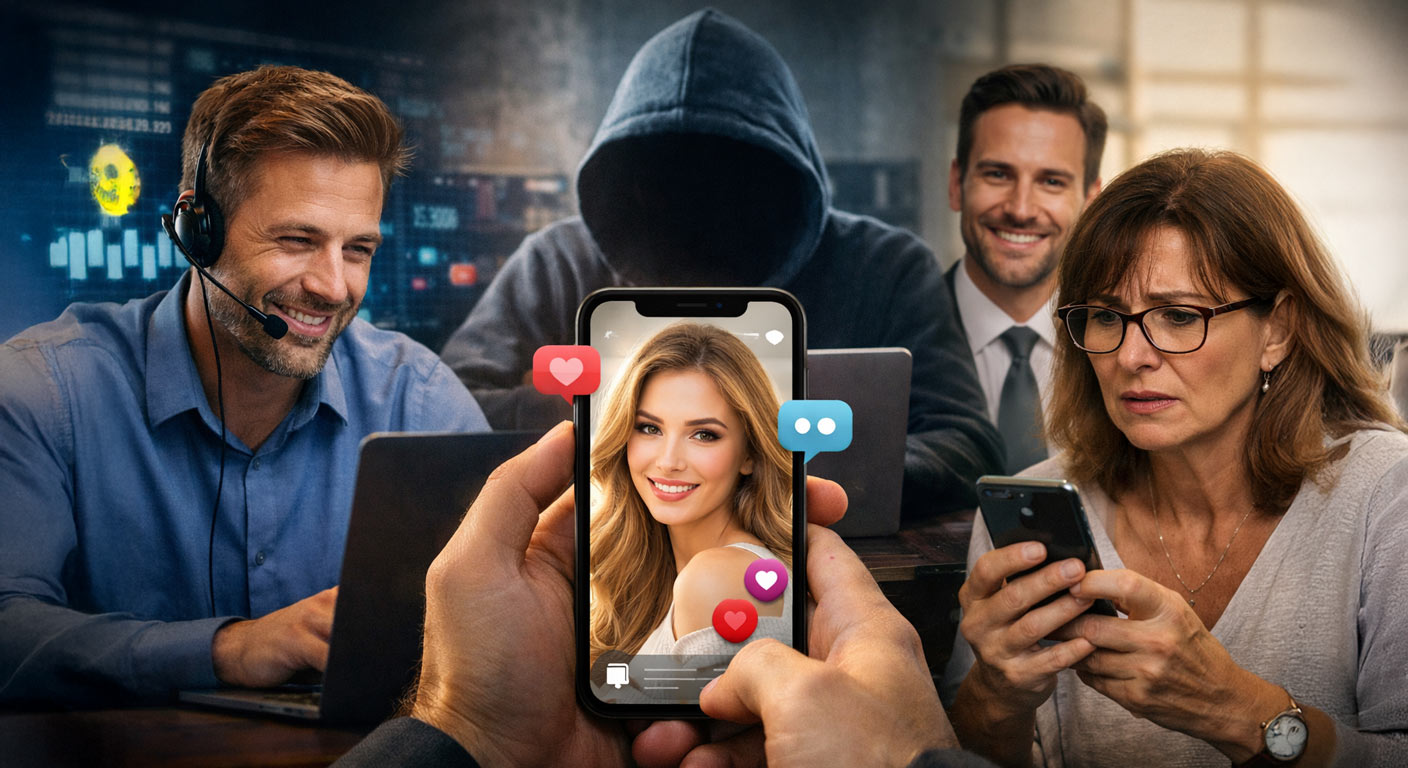

Scam Playbook • AI Photos • Real-World Red Flags
Reading time:~12-15 minutes
Last updated:April 23, 2026
Let's start with an uncomfortable truth: scams don't mostly work because people are “stupid.” Scams work because they're engineered. Not in a cartoon villain way more like a conversion funnel. Step one: get attention. Step two: build trust. Step three: create urgency. Step four: move the victim off-platform, isolate them, and control the narrative. The only difference now is that scammers can generate the “trust” part with AI… and they can do it at scale.
Ten years ago, a romance scammer needed a stolen photo and a half believable story. Today they can spin up a whole identity: photorealistic headshots, “candid” selfies, fake family pictures, and even a LinkedIn looking profile photo that screams “I went to a nice college and I'm employed.”
Quick note: You'll see people say “just reverse image search it.” That still helps, but it's not the silver bullet it used to be. AI faces often don't exist anywhere else on the internet which means there's nothing to match. That's the point.
This article is a slightly spicy, practical exposé of how scammers use AI photos to run three big categories of scams: romance, crypto, and jobs. We'll walk through the playbook, the psychology, and the specific tells that give these images away. If you want to test your instincts while you read, you can also try the AI vs real photo game on AIorNot.us or read more about romance scams on our article AI Catfish - When Your Online Crush Is Not Real
The new scammer starter kit
A modern scammer doesn't need to be a Photoshop wizard. They need a prompt, a handful of images, and the patience to run a script. Think of it like a startup founder with the world's worst product and a suspiciously strong growth team.
Here's the updated “starter kit” they're working with:
- AI photo generators to create faces that look real and don't match any reverse image search.
- AI upscalers to make images crisp enough for profile pictures, ID cards, and “verification.”
- Template chats (often AI-assisted) that feel personal but are actually copy/paste with variable fields.
- Voice notes and short video clips (sometimes AI generated, sometimes stolen) to “prove” authenticity.
- Platform hopping: they start on a dating app / social feed, then move you to WhatsApp, Telegram, Signal, or email.
Why the platform hop matters: Most big platforms have antifraud systems. The second you move off-platform, you're in the scammer's home court. They can delete messages, vanish, and reappear under a new name with a new face.
Now let's talk about the three arenas where AI photos are doing the most damage.
Romance scams: the “perfect person” trap
Romance scams are the emotional version of a bank heist. The scammer doesn't need to “hack” you they need you to volunteer your trust. And AI photos are basically a cheat code for that first impression.
The typical romance scam profile used to have obvious tells: low-res photos, weird cropping, old glamour shots, the same photo showing up on three different accounts. AI photos changed the game because they can be: high quality, fresh-looking, and unique. Here is a deeper look at How Scammers Leverage AI Images For Growth On Social Media and special ways to stay safe.
The romance scam funnel (in plain English)
- Hook: A match or message from someone who feels slightly “out of your league.”
- Bond: They mirror your interests, validate your feelings, and create a sense of “finally, someone gets me.”
- Isolation: They push you off the app quickly (“I don't like it here”) and into private messaging.
- Urgency: A sudden crisis: travel problem, medical bill, locked account, family emergency.
- Payment: They request money, gift cards, wire transfers, or crypto - and always have a reason for why it can't be normal.
The AI photos usually serve two jobs: (1) get attention, and (2) reduce doubt. When you're on the fence, the scammer's job is to keep you from looking too closely. A photorealistic “person” buys them time.
Romance scam tell you should tattoo on your brain: If someone you haven't met in person asks for money, or asks you to “help them” move money, it's not a romantic story, it's a business model. And its only made more complex these days with how hard it is to detect an AI generated image.
How AI photos show up in romance scams
Scammers don't always use one perfect headshot. The better ones use a set that feels like a real life: a selfie, a “work” photo, a casual shot, maybe one that looks like it's in a kitchen or a car. AI makes it easy to generate multiple images that “feel” consistent. And if one image gets questioned? No problem - they can generate ten more.
Here's the part that stings: a lot of victims don't lose money first. They lose time, confidence, and emotional safety. By the time money comes up, the victim is already invested - and the scammer knows it.
Common romance scam scripts (the hits)
- The “military” angle: deployment, limited video calls, “security reasons.”
- The “oil rig / contractor” angle: traveling for work, can't access banking normally.
- The “international” angle: long-distance, big promises, sudden travel costs.
- The “single parent” angle: emotional hooks, kids, “I'm not like other people here.”
If you're thinking “but I'm not the type to fall for that,” congrats, that's exactly what most victims thought. Scammers aren't looking for the gullible. They're looking for the busy, the lonely, the hopeful, the recently divorced, the people going through a rough patch, the people who like to help. In other words: humans.
Crypto scams: screenshots, urgency, and fake legitimacy
Crypto scams are romance scams wearing a blazer. The emotional hook is still there, but the bait is usually status and money instead of love. AI photos are used to create “successful” people who look like they belong in a conference lobby.
The crypto scam pitch usually starts innocent: “Hey, you seem sharp.” “You ever invest?” “I've got a friend who helps people.” Then the scammer escalates into a full confidence game: charts, screenshots, “proof,” and a fake platform that looks like a real exchange.
The crypto scam funnel
- Credibility: A profile photo that looks like a real professional. Clean, confident, welllit.
- Curiosity: A soft pitch about investing or “a strategy.”
- Proof: Screenshots of gains. Sometimes videos scrolling through numbers. Always a lot of green.
- Deposit: They push you onto a “platform” that may look legitimate but is controlled by scammers.
- Lock-in: Withdrawals fail. Customer support is fake. You're told you need to “pay a fee/tax” to unlock funds.
Why AI photos are perfect here: crypto scams rely on “authority by vibe.” If the profile image looks like a founder, a trader, or a recruiter, your brain supplies the missing credentials.
Red flags that show up again and again
- Guaranteed returns or “no risk.” Real investing doesn't talk like that.
- Pressure to act now (“the window closes tonight”). Real opportunities don't require panic.
- Private channels and secret groups. Real financial services can survive daylight.
- Withdrawal problems followed by “fees” and “taxes” paid upfront. That's a classic trap.
The AI photo is the bait. The fake platform is the cage. The urgency is the lock.
Job scams: “remote roles” and fast offers that aren't real
Job scams used to be obvious: broken English, sketchy emails, and “we will pay you $300/hr to copy paste.” Now they look like a rushed recruiter message - and they hit people when they're stressed, hopeful, and trying to move quickly. AI photos help scammers impersonate recruiters, hiring managers, and even “employees” at real companies.
The job scam funnel
- Approach: “I found your resume” or “your background is a perfect fit.”
- Speed: A quick interview (often text-based), then an offer that comes too fast.
- Legitimacy theater: Logos, offer letters, fake LinkedIn profiles, and an “HR” person with a nice headshot.
- Payment hook: They ask you to buy equipment, pay onboarding fees, or cash a check and send money back.
- Identity theft: They request SSN, bank info, scans of IDs, or a “background check” through a shady link.
Big job-scam tell: Any company asking you to pay to get hired is waving a red flag the size of a football field.
AI photos add just enough “this feels real” to move you past the point where you should be asking questions. You see a professional headshot. You assume the person exists. And because you want the job, your brain is motivated to keep believing.
Why AI photos work (even on smart people)
If you only take one thing from this article, take this: AI photos don't have to be perfect. They only have to be believable for long enough.
Scammers are not trying to win a photography contest. They're trying to win a moment of trust. That's it. And trust isn't logical - it's a shortcut your brain uses to conserve energy.
Three psychological levers scammers pull
- Authority: “This person looks legit.” (suits, office backgrounds, clean headshots)
- Scarcity: “This opportunity will disappear.” (time pressure, deadlines, urgency)
- Reciprocity: “They've been so kind - I should help.” (love-bombing, flattery, emotional investment)
AI photos feed the authority lever. Once that's in place, the rest is scripting and timing.
Hot take: The biggest vulnerability isn't “believing AI.” It's believing your own narrative. “This person is different.” “This recruiter is busy.” “This investment is early.” Scammers love a good story - especially the one you tell yourself.
How to spot AI photos: tells that show up again and again
AI-generated imagery is improving fast, but it still has fingerprints. The trick is knowing what to look for, and not staring at the image like it's a magic eye puzzle. You're not looking for one “gotcha.” You're looking for clusters of weird.
Quick Guide For Spotting AI Images Like A Pro Presented By AiorNot.US1) The “too perfect” face problem
Many AI faces look like they were designed by a focus group. Symmetry, smooth skin, centered framing, flattering lighting. Real people have pores, stray hairs, uneven features, weird expressions, and messy backgrounds. AI can simulate imperfections, but it often forgets the subtle randomness that makes a photo feel lived-in.
2) Ears, earrings, and glasses doing strange math
AI often trips over small structures: earrings that fade into hair, glasses arms that don't connect right, earrings that don't match, hair crossing through frames, reflections that don't make sense. It's like the image is 95% done and the last 5% was filled in by a tired intern.
3) Teeth and smiles that look slightly… off
Teeth are hard. Not “dentist hard,” but “the geometry of little white rectangles under varying lighting” hard. AI smiles sometimes look too uniform, too bright, or oddly textured. Not always, but enough that it's worth a glance.
4) Hands, fingers, and jewelry
The classic. AI has improved, but hands still betray it, especially in “candid” shots. Look for fused fingers, extra knuckles, rings that melt into skin, bracelets that change shape, or nails that don't track. If the profile uses only close-up face shots and never shows hands in normal situations, ask yourself why.
5) Backgrounds that feel like a dream you can't fully remember
Real photos have backgrounds with coherent clutter: a messy bookshelf, a recognizable street, signage, imperfect geometry. AI backgrounds can look like “generic office,” “generic kitchen,” “generic city” believable at a glance, nonsense up close. Watch for warped text, duplicated patterns, and objects that don't quite exist.
6) Text in images is still a problem
This is one of the easiest tells: AI often creates text that looks like a real word from far away and turns into scrambled alphabet soup up close. If a sign, shirt, poster, or menu looks wrong, trust that instinct.
7) The “same person, different universe” issue
Scammers may share multiple photos that are “the same person” but the features subtly shift: eye shape changes, freckles appear/disappear, jawline varies, hairline moves, ear shape changes. Real people look different across photos, yes but not like they're rotating through alternate dimensions.
Want to sharpen your instincts? Use a mixed set of AI and real images and test yourself. That's literally what AIorNot.us is built for quick reps that train your pattern recognition.
The 30-second check that saves you
You don't need to become a forensic analyst. You need a simple routine you'll actually do when you're excited, stressed, or flattered - which is exactly when scammers strike.
1) Screenshotthe profile photo and any “proof” images (gains, IDs, documents).
2) Reverse searchanyway (Google Lens + another tool). If it matches multiple identities, walk.
3) Look for clusters of weirdhands, text, background geometry, accessories.
4) Ask for a specific photowith a weird constraint: “Hold a spoon in your left hand and write today's date on paper.”
5) Verify through a second channelemployer website, official company email, known phone number - not the one they give you.
6) Refuse urgencyIf they push you to act now, slow down on purpose.
That “weird constraint photo” is underrated. Real people can do it in 30 seconds. Scammers usually can't - or they'll stall, get offended, guilt trip you, or send a clearly manipulated image. Offended is a feature, not a bug. It's emotional pressure trying to keep you compliant.
What to do if you're targeted (or already sent money)
If you spot a scam early, great. If you didn't, you're not alone, and you're not “dumb.” The only mistake you can make now is freezing and doing nothing.
If you haven't sent money
- Stop replying. Don't argue. Don't explain. Just disengage.
- Screenshot everything. Names, handles, numbers, messages, payment requests.
- Report the account on the platform where it started and where it moved.
- Tell a friend what happened. Not for shame - for clarity. Scams hate daylight.
If you did send money or sensitive info
- Contact your bank/card provider immediately. The faster you act, the better your odds.
- If it was crypto, assume it's gone, but still report the wallet addresses and transaction hashes.
- Change passwords and enable two-factor authentication on your email and financial accounts.
- Watch for follow-up scams. “Recovery” scammers often target victims next, claiming they can get funds back.
Recovery scam alert: If someone promises they can “retrieve” your crypto or reverse a wire transfer for a fee, there's a good chance you're being scammed again. Legit help doesn't show up in your DMs with a miracle pitch.
And if you're running a team, managing a brand, or moderating a community: the stakes are bigger than one victim. AI photos can be used to infiltrate groups, impersonate leadership, and run social engineering that targets your employees.
FAQ's
Can reverse image search reliably catch AI-generated scam photos?
It helps, but it's not guaranteed. AI faces may be unique and never posted anywhere else, so reverse search can return nothing. Treat reverse search as one signal - not a final verdict.
What's the easiest “proof” request to make a scammer stumble?
Ask for a very specific, time bound photo: “Take a selfie holding a fork in your left hand with today's date written on paper, and make sure the kitchen window is visible.” Real people can do this quickly. Scammers usually can't without revealing manipulation.
Why do scammers want to move to WhatsApp, Telegram, or Signal?
Because those platforms are harder to moderate, and they help the scammer isolate you from the place you met them. Once you're off-platform, they can control the relationship and disappear easily.
Is it safe to send a scammer a photo “challenge” like the spoon/date request?
It's generally safer than sending money, but don't share personal information, your address, or any ID documents. If you're uncomfortable, skip the challenge and just disengage.
Does AIorNot.us detect scam photos automatically?
AIorNot.us is built to help you sharpen your ability to spot AI images and understand the most common tells. Use it as a training tool and a second opinion and combine it with common sense verification steps.